Log In to Your Account
Open the BC Game website or app and log in using your email address or phone number. If you don’t have an account yet, register first.
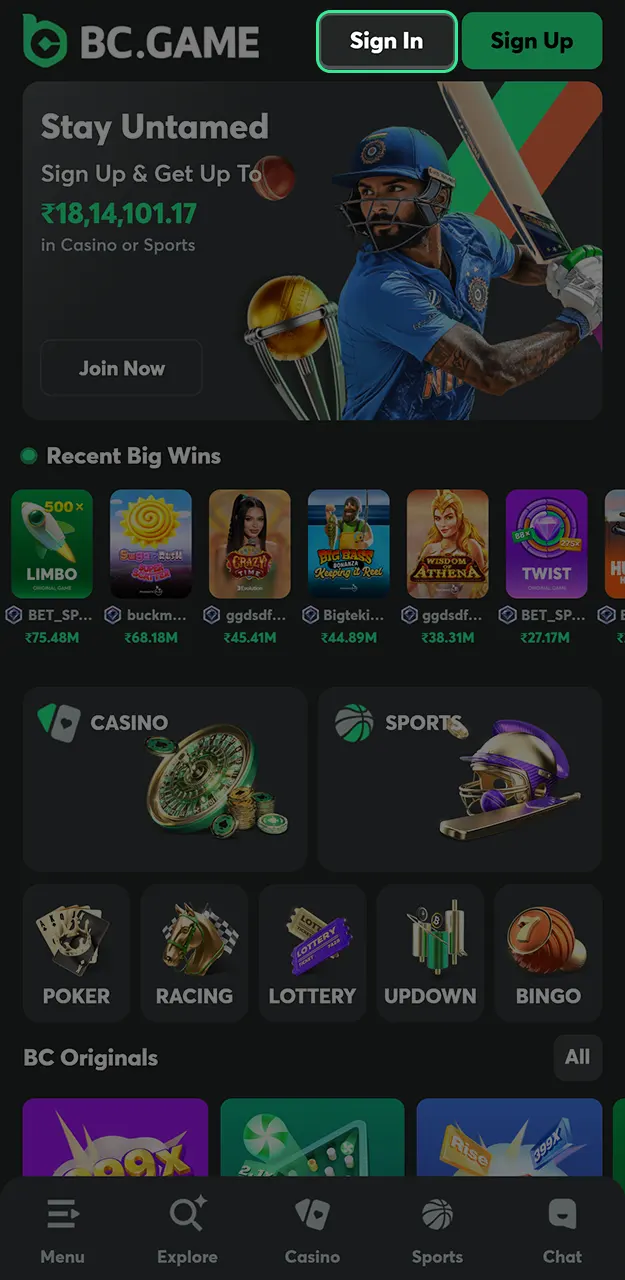

BC Game offers Indian players a wide range of deposit and withdrawal options. The platform primarily focuses on cryptocurrency transactions, but also supports popular Indian payment methods such as UPI, Paytm, and PhonePe. All deposits and withdrawals are processed without internal fees, and cryptocurrency transactions are usually completed within a few minutes.
This page contains all the necessary information about deposit and withdrawal methods at BC Game, limits, processing times, and solutions to typical payment issues.
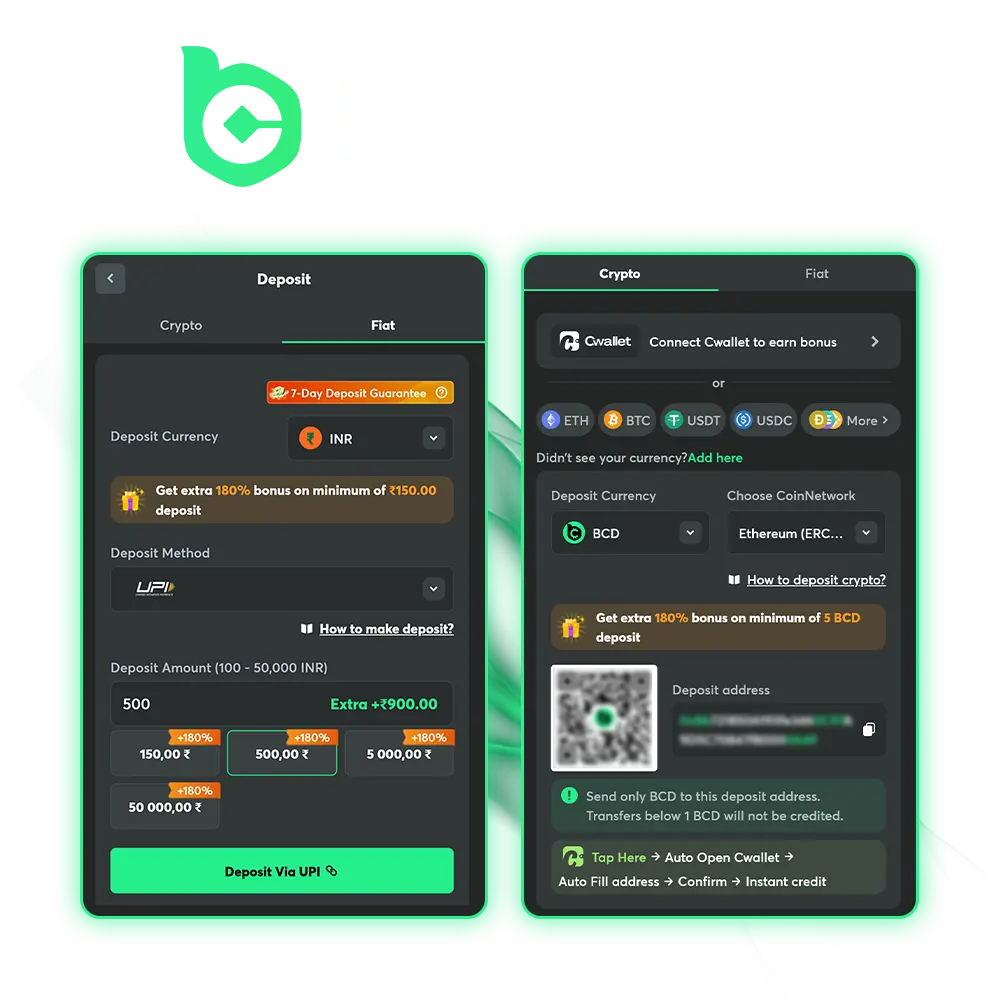
BC Game offers a variety of bonuses for players who top up their accounts. Here are the main deposit-related promotions available:
To unlock deposit bonuses, make sure your deposit meets the minimum requirements and select the bonus offer before confirming the transaction.
Depositing funds into BC Game is straightforward, regardless of whether you use cryptocurrency or Indian fiat methods. The process takes only a few minutes, and most deposits are credited instantly.
Open the BC Game website or app and log in using your email address or phone number. If you don’t have an account yet, register first.
Find the wallet icon or the green Deposit button in the upper right corner of the screen. The BC Game payment methods page will open.
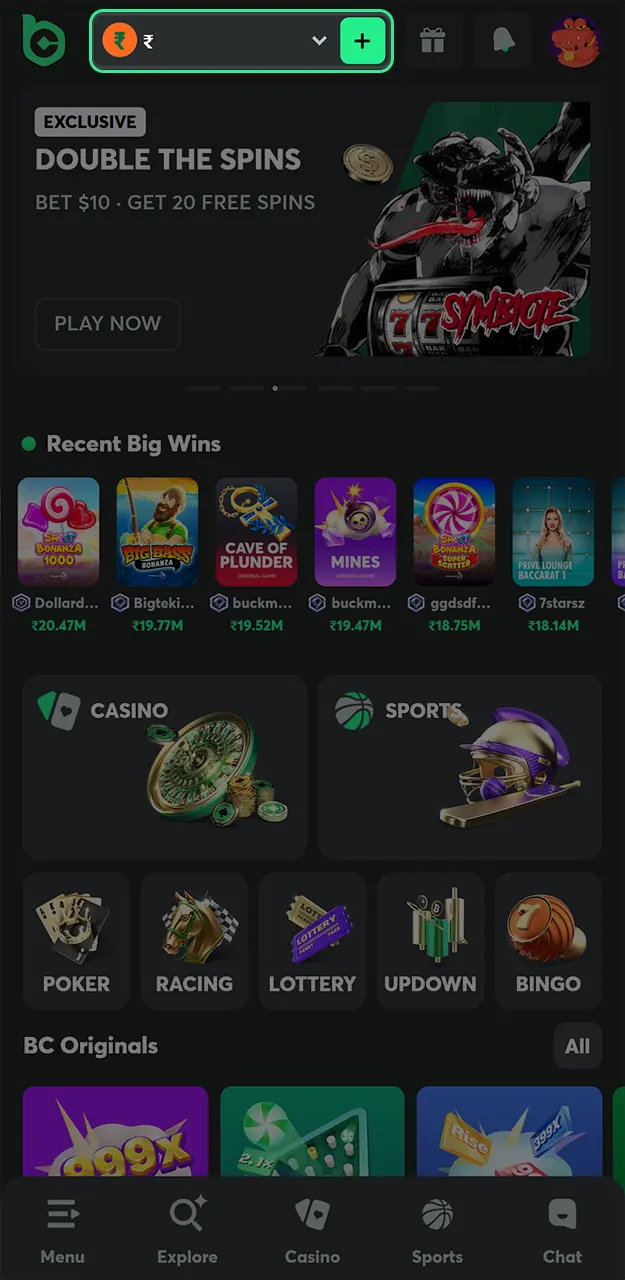
Choose between fiat options (UPI, Paytm, PhonePe) or cryptocurrency. BC Game supports over 100 different cryptocurrencies, including BTC, ETH, USDT, TRX, and many more.
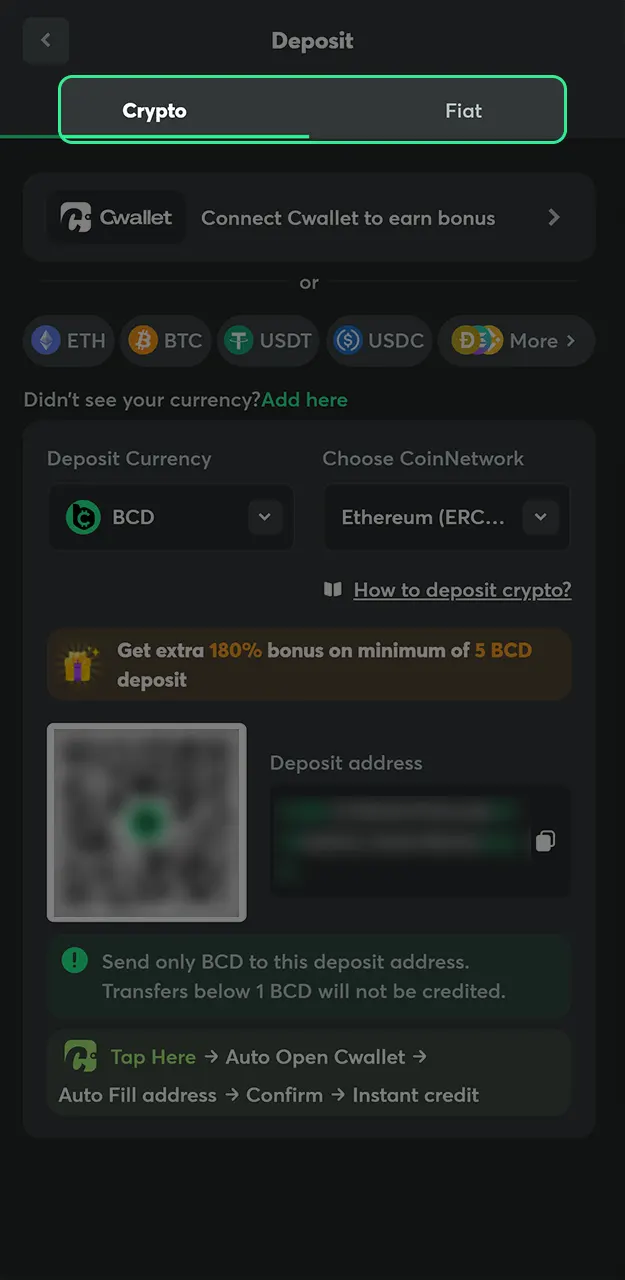
Specify how much you want to deposit. Make sure the amount meets the minimum requirements for your chosen method.
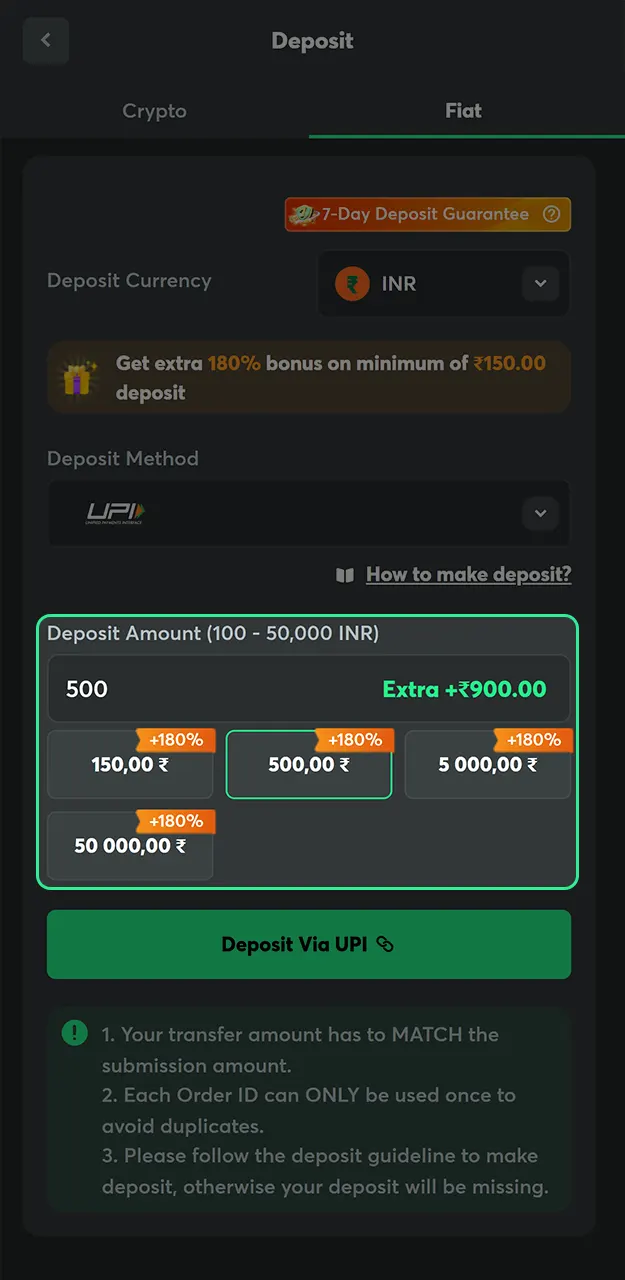
For fiat deposits, you will be redirected to the payment provider’s page to authorize the transaction. For cryptocurrency deposits, copy the wallet address or scan the QR code and send funds from your external wallet.
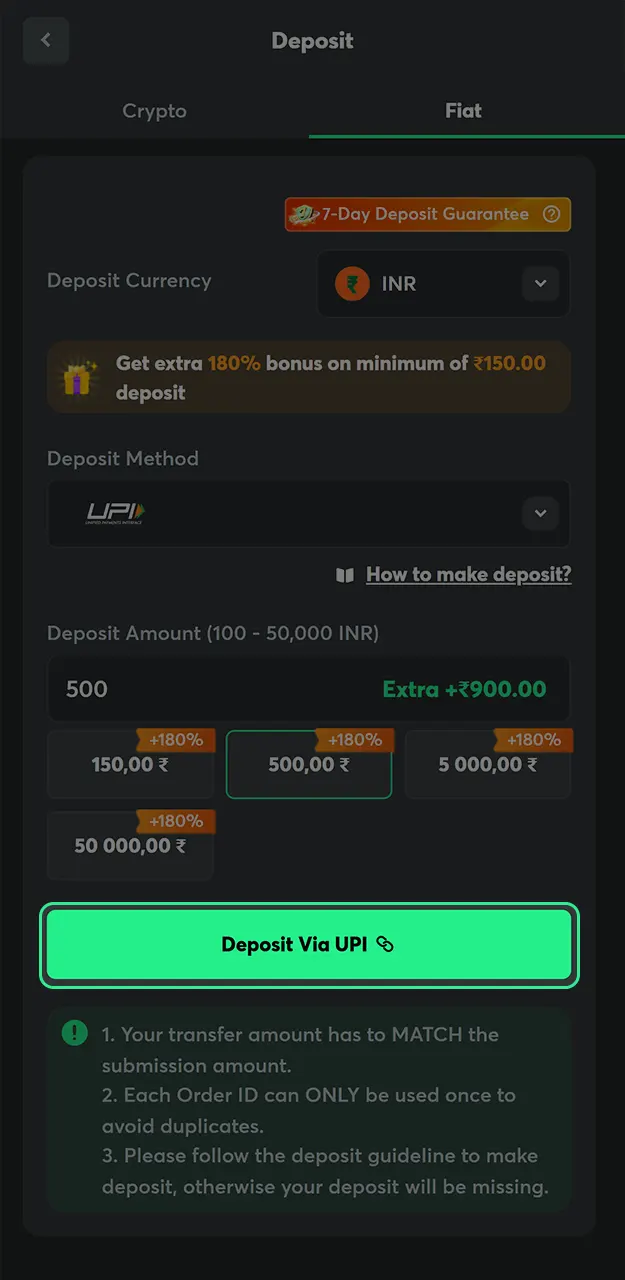
Fiat deposits are credited instantly after confirmation. Cryptocurrency deposits usually arrive within 5-20 minutes, depending on the network.
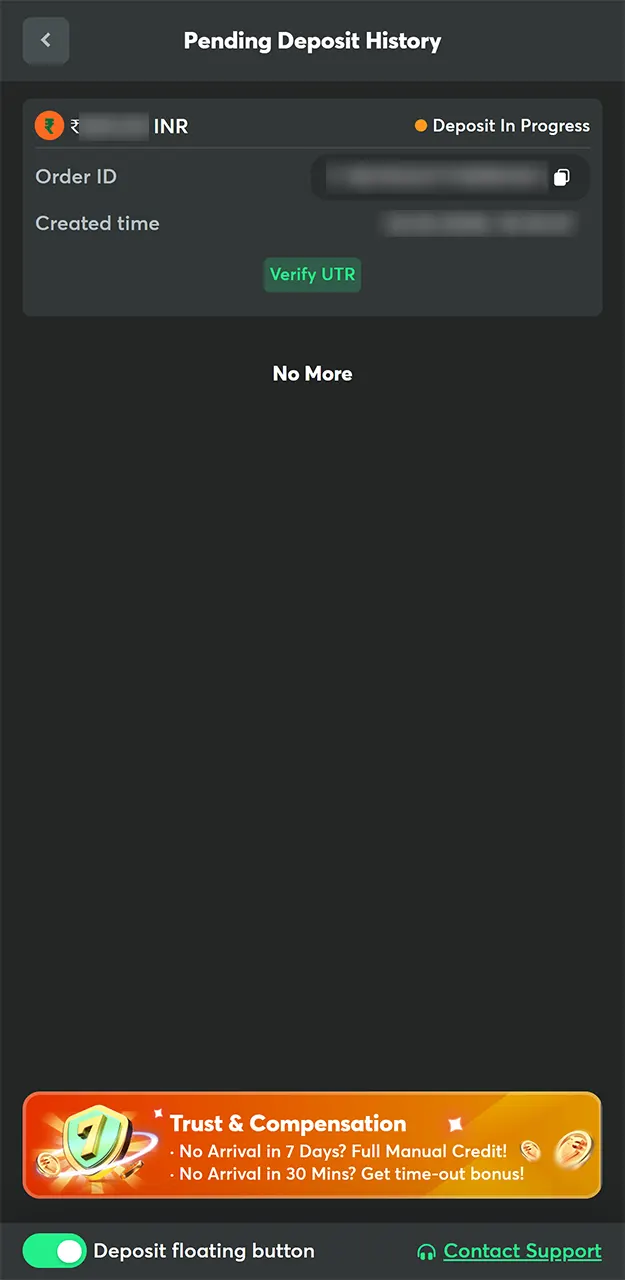
BC Game supports both fiat and cryptocurrency deposits. Indian players can use local payment methods or choose from a massive selection of crypto currencies. All deposits are free of internal charges.
| Payment Method | BC Game Minimum Deposit | Maximum Deposit | BC Game Deposit Time | Fee |
|---|---|---|---|---|
| UPI | INR 100 | INR 50,000 | Instant | Free |
| Paytm | INR 500 | INR 50,000 | Instant | Free |
| PhonePe | INR 500 | INR 50,000 | Instant | Free |
| BTC | 0.00001 BTC | No Limit | Up to 20 minutes | Free |
| ETH | 0.003 ETH | No Limit | Up to 15 minutes | Free |
| USDT | 1 USDT | No Limit | Up to 15 minutes | Free |
| TRX | 5 TRX | No Limit | Up to 20 minutes | Free |
| DOGE | 2 DOGE | No Limit | Up to 15 minutes | Free |
| BNB | 0.01 BNB | No Limit | Up to 15 minutes | Free |
| XRP | 10 XRP | No Limit | Up to 15 minutes | Free |
BC Game processes deposits quickly regardless of the method you choose. Fiat currency deposits via UPI, Paytm, and PhonePe are credited instantly after the transaction is confirmed on the payment provider’s page.
Cryptocurrency deposits depend on blockchain confirmation times. Most cryptocurrency transactions are credited within 5-20 minutes. During periods of network congestion, Bitcoin may take a little longer.
The minimum deposit for BC Game via UPI is only 100 Indian rupees. For cryptocurrency, minimum deposits vary depending on the coin, but start at very low amounts. The maximum single deposit in fiat currency is 50,000 Indian rupees, while cryptocurrency deposits have no upper limit.
Withdrawing winnings from BC Game is simple. The platform processes withdrawal requests around the clock, and most transactions complete within a few hours. Here is a guide on how to withdraw in BC Game:
Log in to your BC Game account and click on the wallet icon to access the banking section.
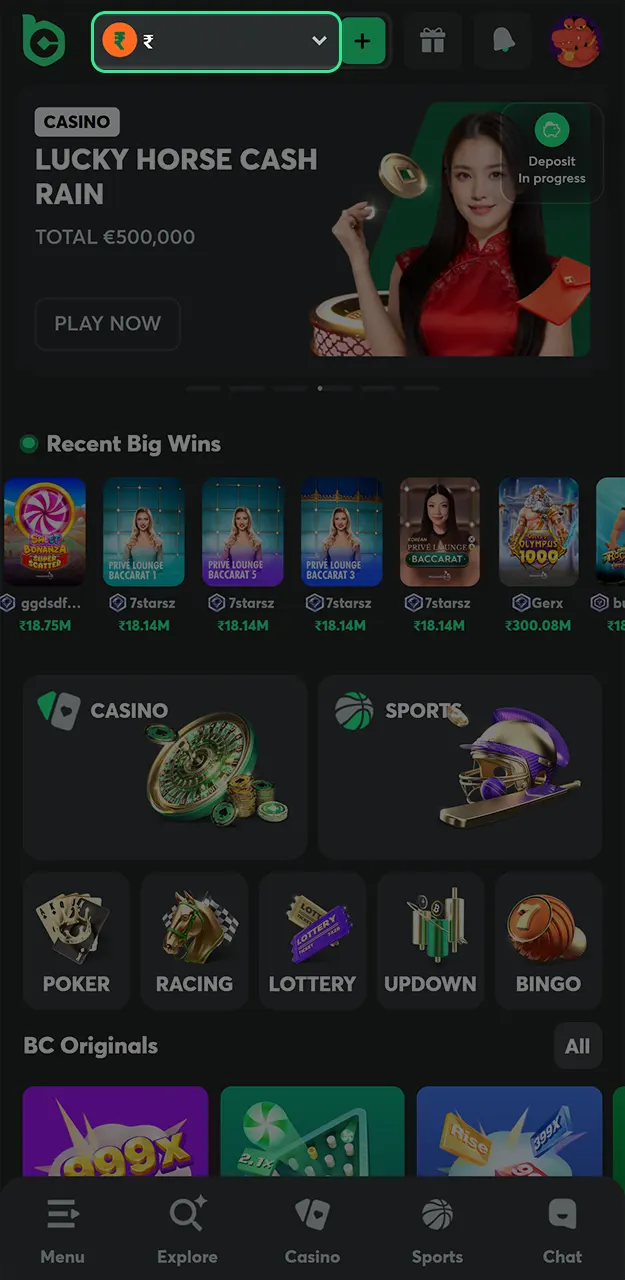
Select the Withdraw option from the menu to view available withdrawal methods.
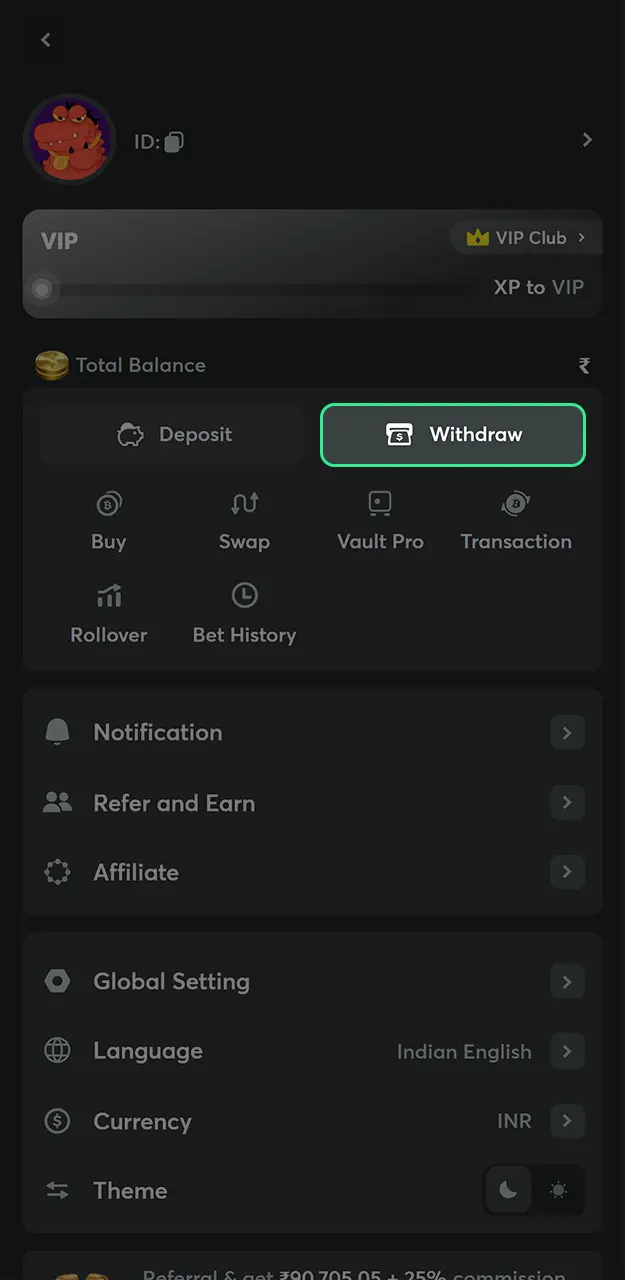
Select cryptocurrency or fiat withdrawal. You can only withdraw using methods that you have previously used for deposits.
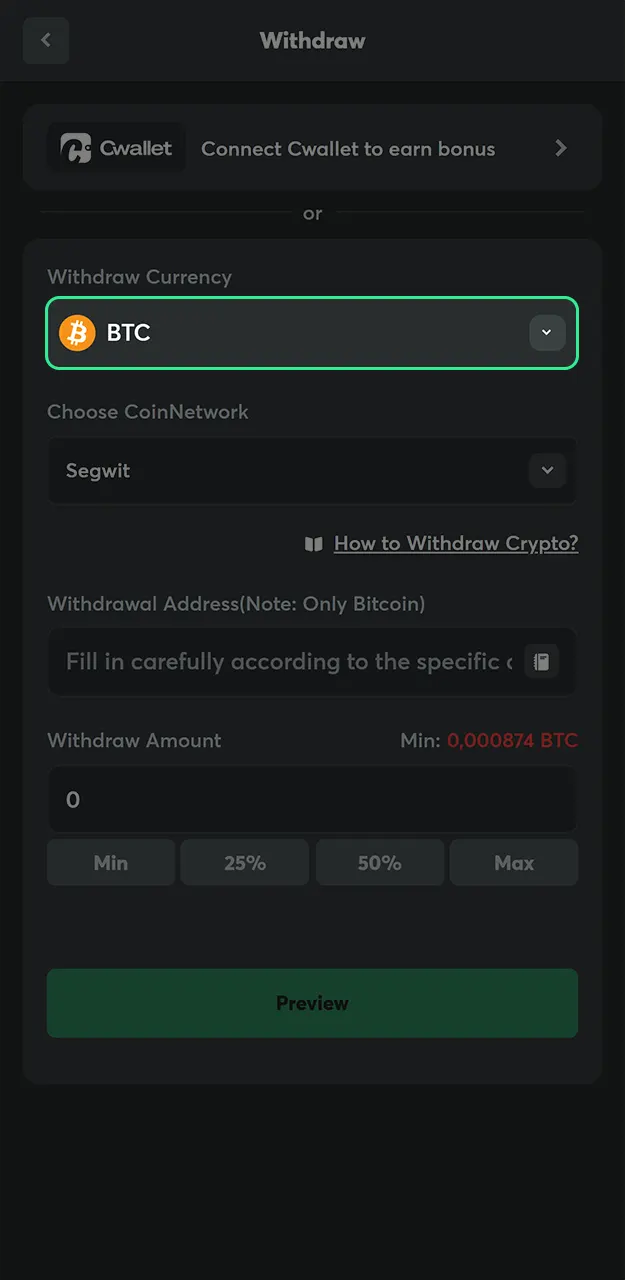
Specify how much you want to withdraw. Ensure the amount meets the BC Game minimum withdrawal requirement and does not exceed your available balance.
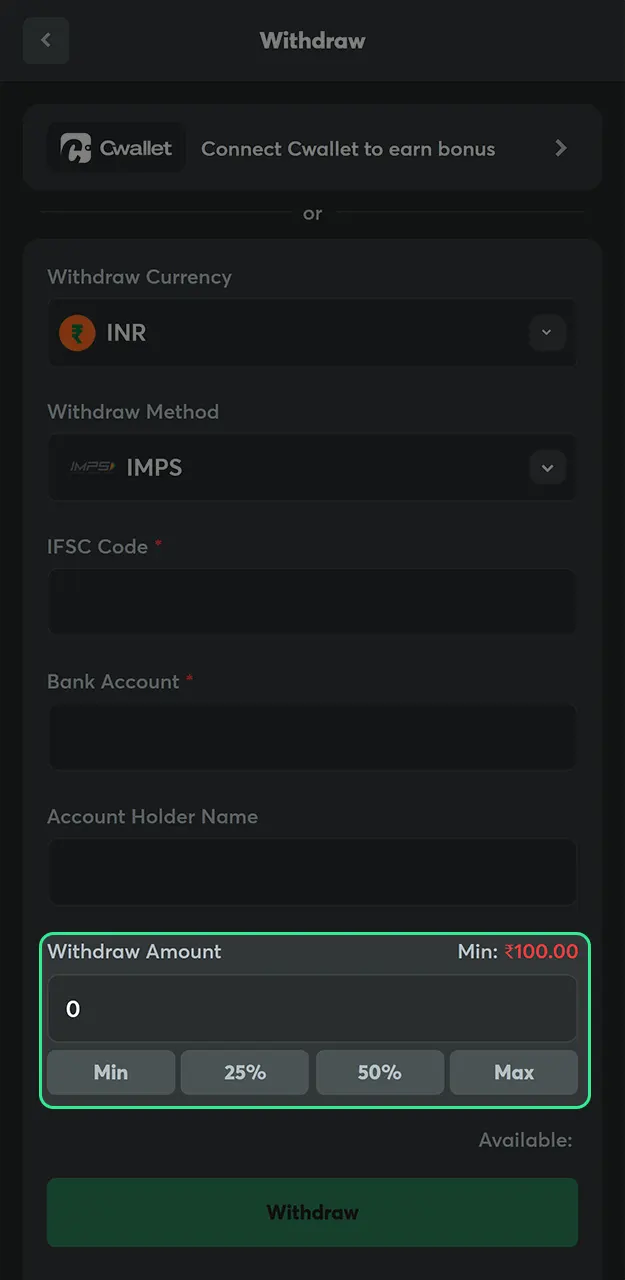
For crypto withdrawals, paste your external wallet address. Double-check the address and network before confirming. For fiat withdrawals, provide your payment account details.
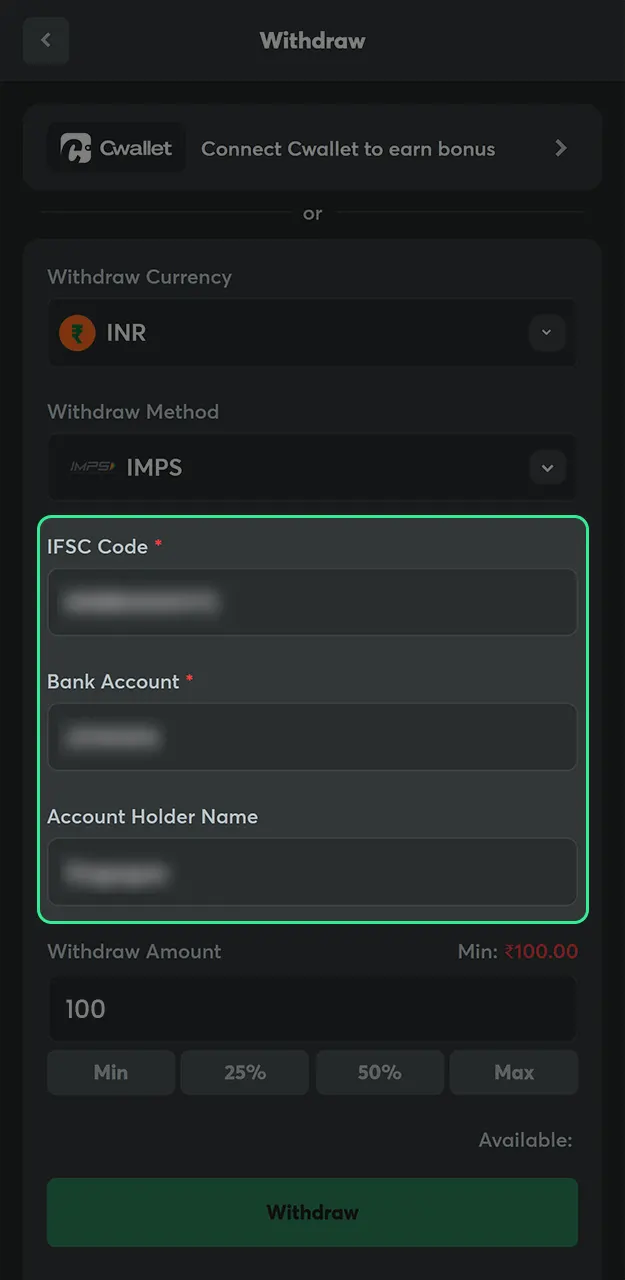
Submit your withdrawal request. The BC Game team processes requests typically within 1-6 hours.
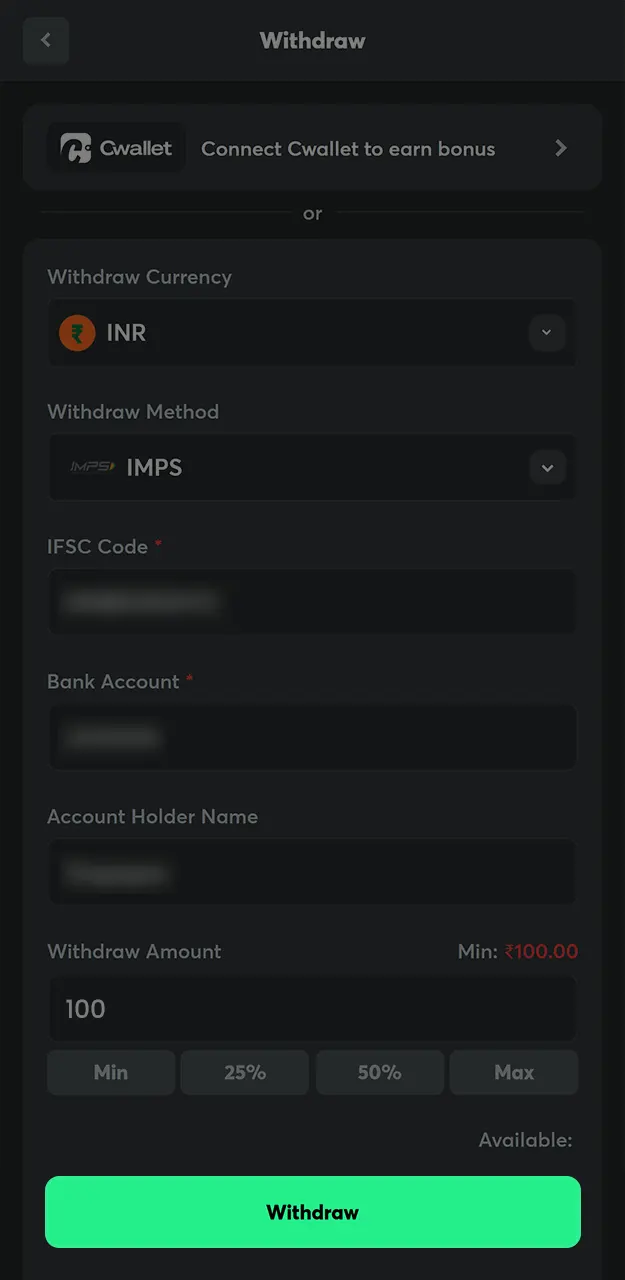
BC Game offers the same withdrawal methods as for depositing funds. There is no maximum BC Game withdrawal limit for cryptocurrency. Here are the main details:
| Payment Method | Minimum Withdrawal | Maximum Withdrawal | Processing Time | BC Game Withdrawal Fee |
|---|---|---|---|---|
| UPI | INR 500 | INR 50,000 | 1-6 hours | Free |
| Paytm | INR 2,000 | INR 40,000 | 1-6 hours | Free |
| PhonePe | INR 600 | INR 50,000 | 1-6 hours | Free |
| BTC | 0.0009 BTC | No Limit | 1-6 hours | Free |
| ETH | 0.003 ETH | No Limit | 1-6 hours | Free |
| USDT | 20 USDT | No Limit | 1-6 hours | Free |
| TRX | 200 TRX | No Limit | 1-6 hours | Free |
| XRP | 20 XRP | No Limit | 1-6 hours | Free |
| USDC | 20 USDC | No Limit | 1-6 hours | Free |
| DOT | 2 DOT | No Limit | 1-6 hours | Free |
BC Game does not charge any internal withdrawal fees. The only fees that may apply are blockchain network fees for cryptocurrency transactions.
BC Game strives to process all withdrawal requests as quickly as possible. Most cryptocurrency withdrawals are completed within minutes of approval. Fiat withdrawals typically take between 1 and 6 hours, depending on the payment provider.
Large withdrawals may require additional verification. In such cases, the BC Game team may contact you to confirm your identity before processing your request. This is standard practice in accordance with AML regulations and helps to protect your account.
You can track the status of your withdrawal in your account’s transaction history section. If your withdrawal takes longer than expected, please contact customer support with your transaction details.
The BC Game mobile app offers the same payment features as the desktop website. Indian players can manage deposits, withdrawals, and transaction history directly from their smartphones.
All payment methods available on the website also work in the app. The interface is optimized for mobile screens, making it easy to complete transactions on the go.
To deposit or withdraw funds through the app, tap the wallet icon, select a payment method, enter the amount, and confirm the transaction.
BC Game implements a variety of security measures to protect your cryptocurrency transactions:
Always double-check wallet addresses before confirming cryptocurrency transactions. Cryptocurrency transfers cannot be canceled once sent.
While BC Game payment methods are generally reliable, some users may occasionally encounter problems. Here are common issues and how to resolve them:
BC Game prioritizes transaction security for all Indian players. The platform uses industry-standard encryption protocols to protect your financial data. All payment systems are verified and reliable partners.
For fiat transactions, BC Game works with well-known Indian payment gateways, including UPI, Paytm, and PhonePe. These systems have their own security measures and fraud protection.
For cryptocurrency transactions, BC Game supports multiple networks and verifies all deposits on the blockchain. The site never stores your private keys, which means you retain full control over your crypto assets.
KYC verification may be required for large withdrawals or suspicious activity.
If you encounter any issues with payment, BC Game’s support team is available to assist you around the clock. You can find answers to frequently asked questions in the BC Game help center, but you can also contact a live operator at any time.
For a quick response, contact support via chat on the website or in the app. You can send a detailed request requiring documentation to [email protected].
When contacting support about a payment issue, please include the transaction ID, amount, payment method used, and, if possible, screenshots. This will help agents resolve your issue quickly.
The minimum deposit via UPI is 100 Indian rupees. For cryptocurrencies, the minimum amounts vary depending on the coin, for example, 0.00001 BTC for Bitcoin or 1 USDT for Tether.
Most withdrawals are processed within 1-2 hours. Cryptocurrency withdrawals can be completed within minutes after approval.
No, BC Game does not charge an internal withdrawal fee. The only costs are the blockchain network fees for cryptocurrency transactions, which are standard for all platforms.
There is no maximum limit for cryptocurrency withdrawals. Fiat withdrawals are limited to 50,000 INR per transaction, depending on the method.
Please wait up to 20 minutes for cryptocurrency deposits. Check the blockchain explorer to ensure the transaction was sent successfully. Contact support if the funds do not appear after this time.
Small withdrawals can be processed without full verification. Larger amounts or suspicious activity will trigger KYC requirements. Complete verification to avoid delays.
Visit the BC Game help center on the website or contact customer support via 24/7 live chat. Write to [email protected] for detailed information requiring documentary evidence.
Deposit the minimum required amount and select the bonus offer before confirming your deposit. Meet the wagering requirements to convert bonus funds to real money.
Updated:
Comments